How to Watch Demos in CS2: Download, Play, Commands
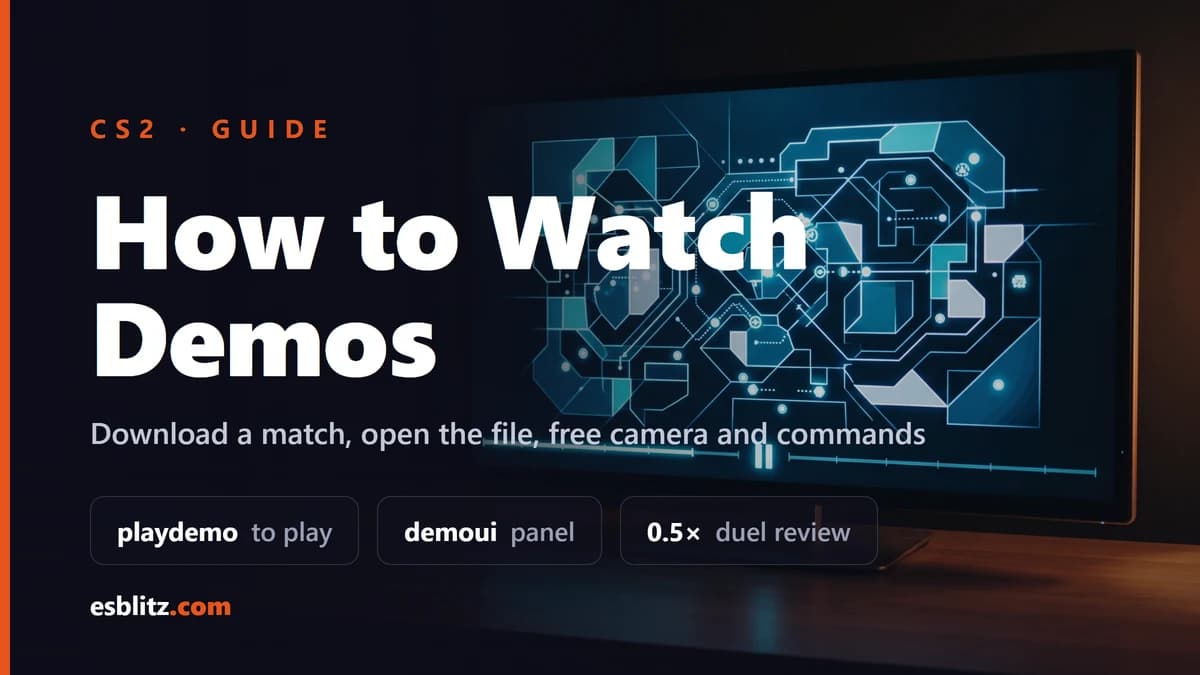
How to watch CS2 demos: download your match, find the demo folder, run playdemo, use the free camera while paused and the commands that work.
You can watch CS2 demos right inside the game: your own match downloads from the match viewer in a couple of clicks, and any .dem file plays with a single console command. Below, step by step: where to get a recording, where the files are saved, how to open the playback panel and which commands actually work in CS2. We checked the command list against the console dump taken from the game files, not against CS:GO-era guides.
Where to get a replay of your own match
Premier and Competitive matches are recorded on Valve servers automatically. To download your own recording:
- in the main menu, click the TV icon in the top left, which opens matches and tournaments;
- open the Your Matches tab and pick the match;
- click Download, and once the file is ready the button turns into Play.
Since the October 14, 2026 update, a progress bar shows while the replay downloads; before, there was no indication at all. Recordings stay on the servers only for a limited time, so download an interesting match right away rather than a week later.
Where CS2 demos are saved
Matches downloaded from the menu go into the replays folder. With a default Steam install the path is:
C:\Program Files (x86)\Steam\steamapps\common\Counter-Strike Global Offensive\game\csgo\replays
The folder name comes from the game itself: the sv_replaysdir variable defaults to replays. If Steam lives on another drive, look for the same path from your steamapps folder. Put files from elsewhere, for example FACEIT or a tournament, one level up, straight into game\csgo: from there playdemo finds a file by its name alone.
How to enable the console and play a file
- In Settings, under Game, turn on Enable Developer Console.
- Press the
~key (tilde, left of 1) to open the console. - Type
playdemo file_name, for exampleplaydemo navi_final. It is easier to rename a long downloaded file first.
The command needs neither sv_cheats nor launch options. Files recorded before a major game update, however, sometimes stop opening after it.
FACEIT and HLTV recordings, including voice
FACEIT. Open the match room and click Watch Demo on the Overview tab. The file arrives as a compressed archive: extract it, put the resulting .dem into game\csgo and launch it from the console as above. FACEIT keeps recordings for 30 days after the match.
HLTV. On the match page, find the Rewatch block and click Demo download. It is an archive too, so extract it into game\csgo.
With voice. To hear comms, type tv_listen_voice_indices -1 and tv_listen_voice_indices_h -1 in the console before loading the file, then load it. It only works where voice was saved: Valve matchmaking recordings have none, while FACEIT files sometimes do.
The playback panel and the free camera
The demoui command opens the playback panel with pause, speed and a timeline you can drag to jump to any moment. To avoid typing it every time, bind it to a free key: bind F7 demoui.
In October 2026 Valve noticeably reworked playback:
- the camera now uses a click-and-drag scheme;
- the free camera and the chase camera work while playback is paused;
- issues when seeking to a different point in the recording were fixed.
For reviewing games this is the key change: stop the round at the moment of contact, fly around the map and see where everyone stood without playing the recording further.
CS2 demo commands
Every command below exists in the current CS2 console dump that SteamDB extracts straight from the game files.
playdemo nameplays a.demfile;demouishows or hides the playback panel;demo_pause,demo_resumeanddemo_togglepausepause, resume and toggle the pause;demo_timescale 0.5sets playback speed: 0.5 is half speed, 2 is double, 1 is normal;demo_gototick numberjumps to a tick in the recording,demo_gotoskips to a location in it;listdemo nameanddemo_infoshow information about the file;spec_modeswitches the spectator mode: first person, third person or free camera;spec_show_xray 1shows player outlines through walls and is on by default;tv_listen_voice_indices -1andtv_listen_voice_indices_h -1let you hear every player, if voice was recorded.
Chat is limited in recordings: since the September 9, 2026 update, team chat cannot be read in them, and global chat is visible only when you watch through the in-game match viewer. More in our breakdown of the chat encryption patch.
A note on record: in CS2 it is flagged as a cheat command and works only with sv_cheats enabled, so on your own server rather than in matchmaking. You do not need to record your games by hand anyway, because Valve does it for you.
How to review your own game
- Watch your deaths, not your kills. Drag the timeline to each death and rewind 5 to 10 seconds: where you stood, where the enemy came from, whether a teammate was close enough to trade.
- Slow down your duels. Half speed (0.5) shows whether you were late to shoot or your crosshair was not at head level to begin with.
- Pause and take the free camera. While paused, fly around the map and check both teams' positions at the first contact.
- Compare yourself with pros. Pro crosshair and sensitivity settings are in our pro player database, and your own are worth setting with our CS2 settings guide.
2D replays and analysis tools
If the built-in player is not enough, there is CS Demo Manager: a free, open-source program (MIT license) for Windows, macOS and Linux. It builds stats from a recording, shows heatmaps and grenades, can render videos and plays a match in 2D, as a top-down radar view. You can get it from its official GitHub repository. The 2D mode is handy for seeing how a whole team moved through a round instead of watching it through one player's eyes.
Frequently Asked Questions
Why won't the file play?
Most often the file is in the wrong folder or the name has a typo. Put the .dem into game\csgo and type the name without spaces. If the file was recorded on an old version of the game, it may not open at all after a major update.
How long are match recordings kept?
FACEIT keeps them for 30 days after the match. Valve does not officially state how long its own replays stay available, so download an important match in the first few days and keep a copy.
Sources
Playback changes come from Valve's official notes for the October 14, 2026 and September 9, 2026 updates. Commands and variables were checked against SteamDB's CS2 console dump. CS Demo Manager: official repository. Every game patch is in our CS2 updates feed.
Big CS2 news, first on our Telegram
Patches, tournaments, pro settings. No fluff.