CS2 Settings: Mouse, Sensitivity and Picture
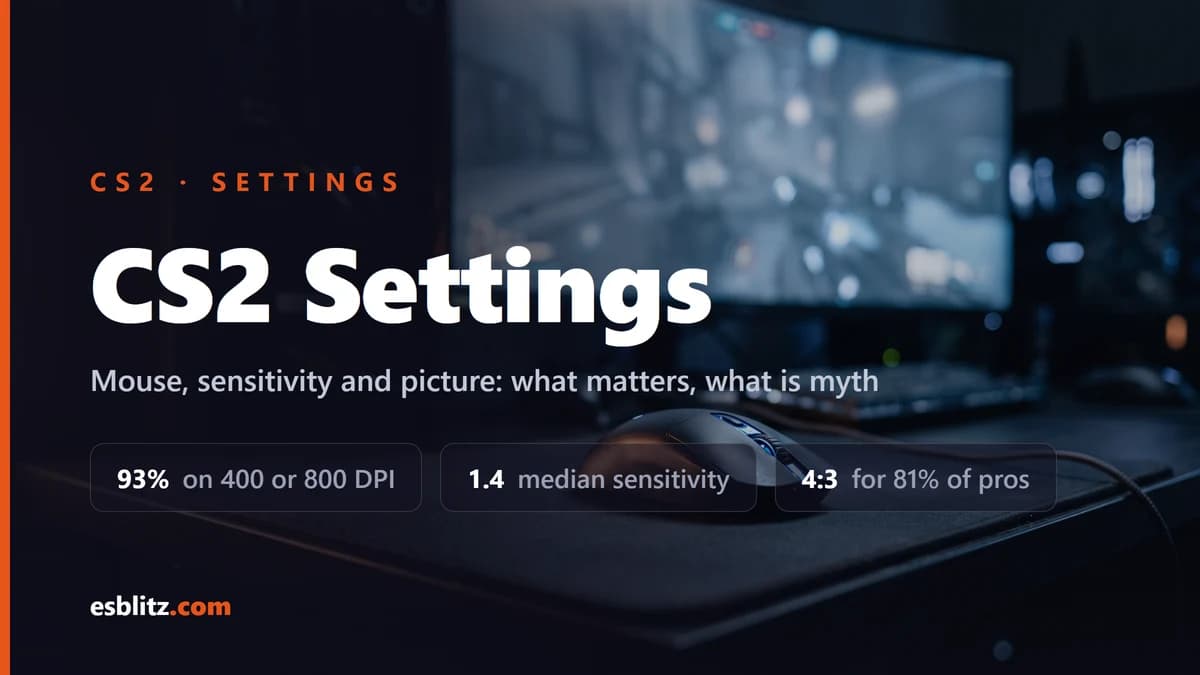
Which CS2 settings actually change your aim: DPI and sensitivity, resolution and stretched 4:3, crosshair and viewmodel. With numbers from 859 pros.
CS2 has a lot of settings and only a handful decide rounds. This guide covers the ones that actually change where your bullets land: mouse sensitivity, resolution and the picture, the crosshair. Graphics for weak hardware, configs with binds and audio are separate guides on this site, and links come up along the way.
The numbers below are not impressions. We keep a settings database of CS2 professionals and count across it: 859 players as of the August 18, 2026 snapshot. Live distributions always sit on the CS2 in numbers page, this guide only draws conclusions from them.
Sensitivity: the in-game number means nothing on its own
This is the first thing people trip over. The game stores sensitivity, and players cannot be compared by it. The same value at 400 and at 1600 DPI turns the view at different speeds, because the mouse reports a different number of counts for the same centimetre of desk.
The shared unit is eDPI: DPI multiplied by sensitivity. The median across our database is 800 eDPI, and comparing someone else's setup to yours only makes sense in those units. If a pro sits at 800 eDPI and your mouse is set to 1600 DPI, you need 0.5, not the number printed on his card.
How to pick your own:
- Set DPI to 400 or 800 and stop touching it. Those two values cover 93% of the database: 408 players on 400 and 390 on 800. Higher steps exist (1600, 3200) but buy nothing, because more DPI is not more precision.
- Tune only the in-game sensitivity. The median is 1.4, and 57% keep 1.5 or lower. If you have to lift the mouse to turn around, it is too low. If the crosshair flies past heads, it is too high.
- Change it once and live with it. The spread in the database runs from 0.225 to 4.0, which is the best argument against a "correct" sensitivity: there is none, there is only the one you have played into.
You do not have to do the arithmetic by hand. Our eDPI calculator converts a pro sensitivity onto your DPI, and moving sensitivity between games is covered in the CS2 to Valorant guide.
Windows: one setting that breaks everything downstream
Before tuning sensitivity, check the system slider under Control Panel, Mouse, Pointer Options. 95% of our database, 819 players out of 859, keep it on the sixth notch out of eleven, which is where it sits by default. It is the most unanimous setting in the whole database, more unanimous than sensitivity, mice or resolution: the scene simply never moves it.
One honest caveat: Microsoft publishes no document spelling out the multiplier for each notch, so "the sixth notch is one to one" is common practice rather than a documented law. The conclusion holds anyway. If you have moved that slider, a sensitivity copied from someone else will not behave the way it does for its owner, and you will be tuning it from scratch.
The same panel holds the "Enhance pointer precision" checkbox. By Microsoft's own description it makes the pointer more precise at slow speeds, which is acceleration by another name: the same hand movement turns the view by a different amount depending on how fast you moved, and muscle memory never settles.
Resolution: why the scene sits on stretched 4:3
The most common resolution in the database is 1280x960, used by 543 players out of 859. Then, far behind, 1920x1080 (81) and 1024x768 (78). Among players with the field filled in, 81% are on a 4:3 ratio and 82% stretch the image across the monitor.
What that actually buys:
- enemy models look wider and closer, which makes them easier to track by eye;
- there are fewer pixels than at 16:9, so frames come cheaper;
- you pay in peripheral vision, because stretched 4:3 shows less at the edges of the screen than a widescreen ratio.
Stretching used to require exclusive fullscreen, and half the guides on the internet still say so. That is out of date. In the update of August 14, 2025 Valve allowed rendering resolution and aspect ratio to be changed in fullscreen windowed mode, and four days later fixed the cases where that mode was not actually stretching to fill the screen.
The same August update stopped fps_max from being changed while you are connected to a server, so a frame cap now has to be set before you queue.
Monitor refresh and polling rate
Monitors in the database break down like this: 240 Hz for 363 players, 360 Hz for 259, then 600 Hz for 92 and 400 Hz for 72. The top of the scene already sits on panels most readers do not own, and chasing that number is pointless, because it is about budget rather than skill.
Polling rate is more interesting. 66% of the database stays at 1000 Hz even though 4000 and 8000 Hz mice have been on sale for a while: 16% moved to 4000 and 2% to 8000. The arithmetic explains the calm. At 1000 Hz the mouse reports once per millisecond, at 8000 Hz once per 0.125 ms, so the entire gain is 0.875 ms. Human reaction to a visual signal is measured in hundreds of milliseconds.
Latency: Reflex works, and it is not marketing
This is the one setting here with official measurements behind it. NVIDIA Reflex removes the render queue between GPU and CPU, and CS2 has supported it since release.
The numbers are not from a forum. At the CS Asia Championship 2026 in Shanghai the event ran on 120 systems with RTX 5080 cards, and NVIDIA states system latency drops by up to 42% with Reflex on. A year earlier, at the Shanghai Major, the figure quoted on RTX 4080 SUPER was up to 35%.
It is a single toggle in the video settings. This is the rare case where "turn it on and forget it" is genuinely the right advice.
Crosshair: what changed on September 22, 2026
A CS2 crosshair is defined by a code that copies whole, thickness, colour and dot included. Until September 2026 it had an annoying property: on stretched 4:3 the lines drew thicker than at 16:9, so people re-tuned thickness by eye after switching modes.
The update of September 22, 2026 made crosshairs resolution independent: the same code draws identically at any aspect ratio. Crosshair settings also moved into their own "Crosshair/Scopes" tab, new styles were added, and Dynamic Quad became the default.
Ready-made pro codes sit in our crosshair showcase, and you can build your own from sliders in the generator.
Viewmodel: where the hands go
Viewmodel is the position of the weapon on screen. The median across the database is fov 68 with a spread from 54 to 69: the scene mostly pushes the weapon further away so it covers less of the lower screen. Mostly is the operative word, because this is one of the widest spreads in the database, and there is no single correct value.
What is deliberately not covered here
Three topics live as separate guides on this site, and repeating them here would help nobody:
- graphics and FPS: what to switch off, launch options, the driver panel;
- config and binds: autoexec, working commands and why settings sometimes reset;
- audio and microphone: stereo output, the barrel effect, silence in game.
What no longer works from older guides
Half the advice people still copy from each other belongs to CS:GO. On mouse and picture specifically:
m_rawinput 1is pointless to type. Going by community teardowns, raw input in CS2 is forced on with no toggle left, so the command changes nothing because there is nothing left to change.cl_updaterateandcl_cmdratewere removed together with the old networking model. If a downloaded config still has them, that part is dead weight: CS2 runs on sub-tick, where the server records the exact instant of a shot inside a tick instead of polling the client at a fixed rate. Theratecommand is still alive and caps incoming traffic.cl_interpandcl_interp_ratiostill exist, but interpolation is engine managed now, so hunting for the "right" values from a 2019 guide has lost its point.- Stretched 4:3 does not enlarge hitboxes. Hits are resolved by the server against model coordinates in the world, and how you stretched the picture on your monitor has no say in that. Models look wider, they are easier to track by eye, and that is the whole of it.
- Higher DPI is not more accurate. DPI sets how many counts the mouse reports per centimetre of desk, not the resolving power of your aim. 3200 DPI at 0.25 sensitivity and 800 DPI at 1.0 are the same eDPI and the same turning speed.
Frequently Asked Questions
What DPI should I use if my mouse goes up to 26,000?
400 or 800, the two values 93% of our database sits on. The high end exists for marketing and for desktop work on a 4K monitor, and has nothing to do with hitting heads.
Can I copy a favourite player's settings wholesale?
Crosshair, viewmodel and the system items transfer as is. Sensitivity has to be converted through eDPI onto your own DPI, otherwise you inherit someone else's turning speed. Resolution and monitor are not worth copying at all, because that part is hardware.
Do I need a 360 Hz monitor to play Premier?
No. The top of the scene sits on 240 and 360 Hz because organisations buy those panels. Everything in this guide works the same on any monitor, and the gap between 144 and 240 Hz will not replace hours played.
Why does my crosshair look different from the showcase?
If the code was copied whole, it does not. Before the September 22, 2026 update the difference was legitimate, because lines drew thicker on stretched 4:3. Now that crosshairs ignore resolution, old hand-tuned codes are worth re-checking.
Sources
Valve patch notes: August 14, 2025 (resolution and aspect ratio in fullscreen windowed, fps_max locked on servers), August 18, 2025 (stretching fixes), September 22, 2026 (resolution independent crosshairs). Latency figures are NVIDIA measurements from the CS Asia Championship 2026. The Windows pointer setting is documented in Microsoft support. Player distributions come from our own pro settings database and the CS2 in numbers page.
Big CS2 news, first on our Telegram
Patches, tournaments, pro settings. No fluff.